
Smarter scheduling. Less admin. More time for your business.
RotaHub is a staff scheduling app for small and medium businesses. Generate a fully staffed week in minutes, keep employee time-off in sync automatically, and let your team check their shifts from a free mobile app.
Free 7-day trial · no credit card to start · employee app always free
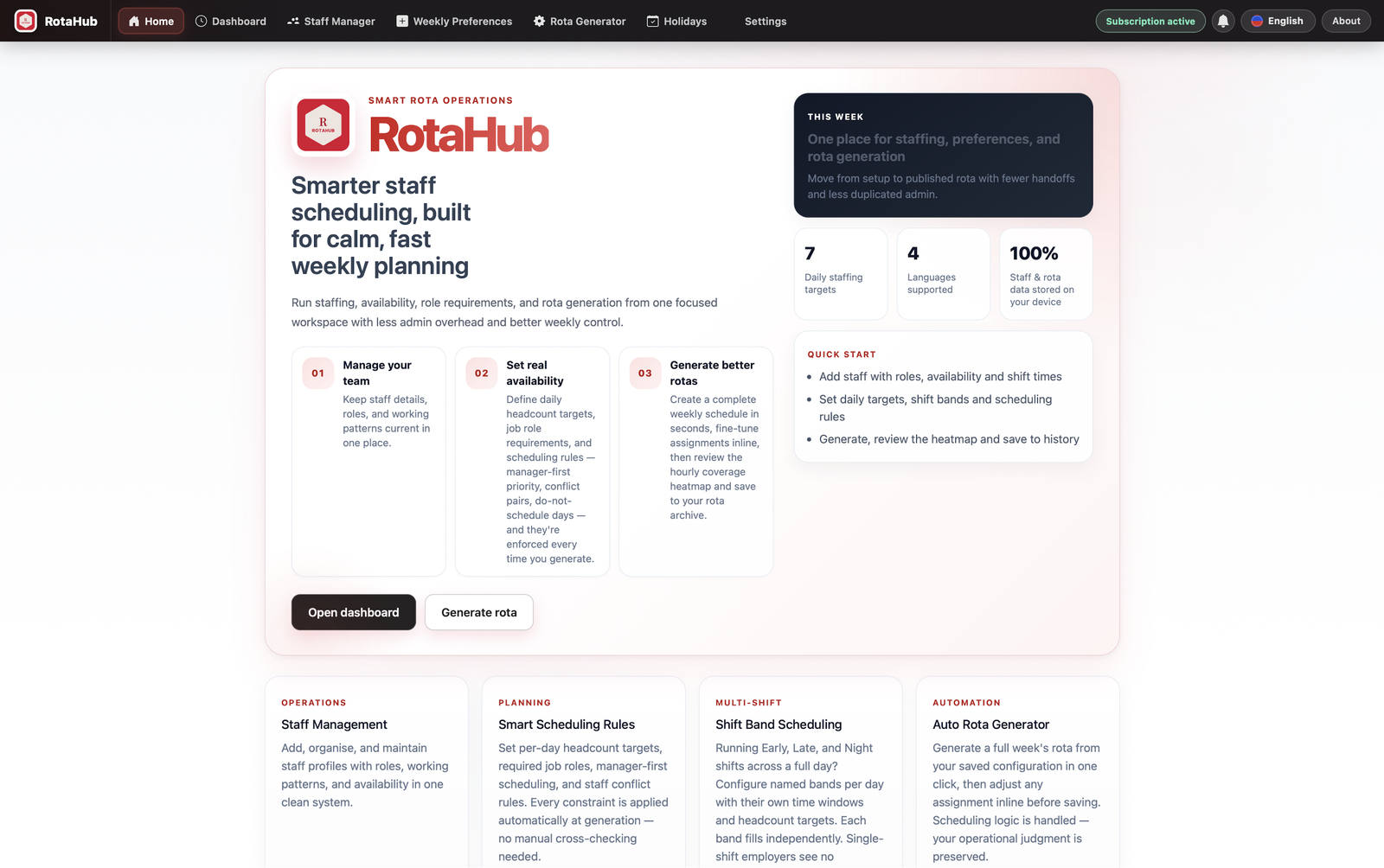
Everything you need to run a schedule, nothing you don't
Automated schedule generation
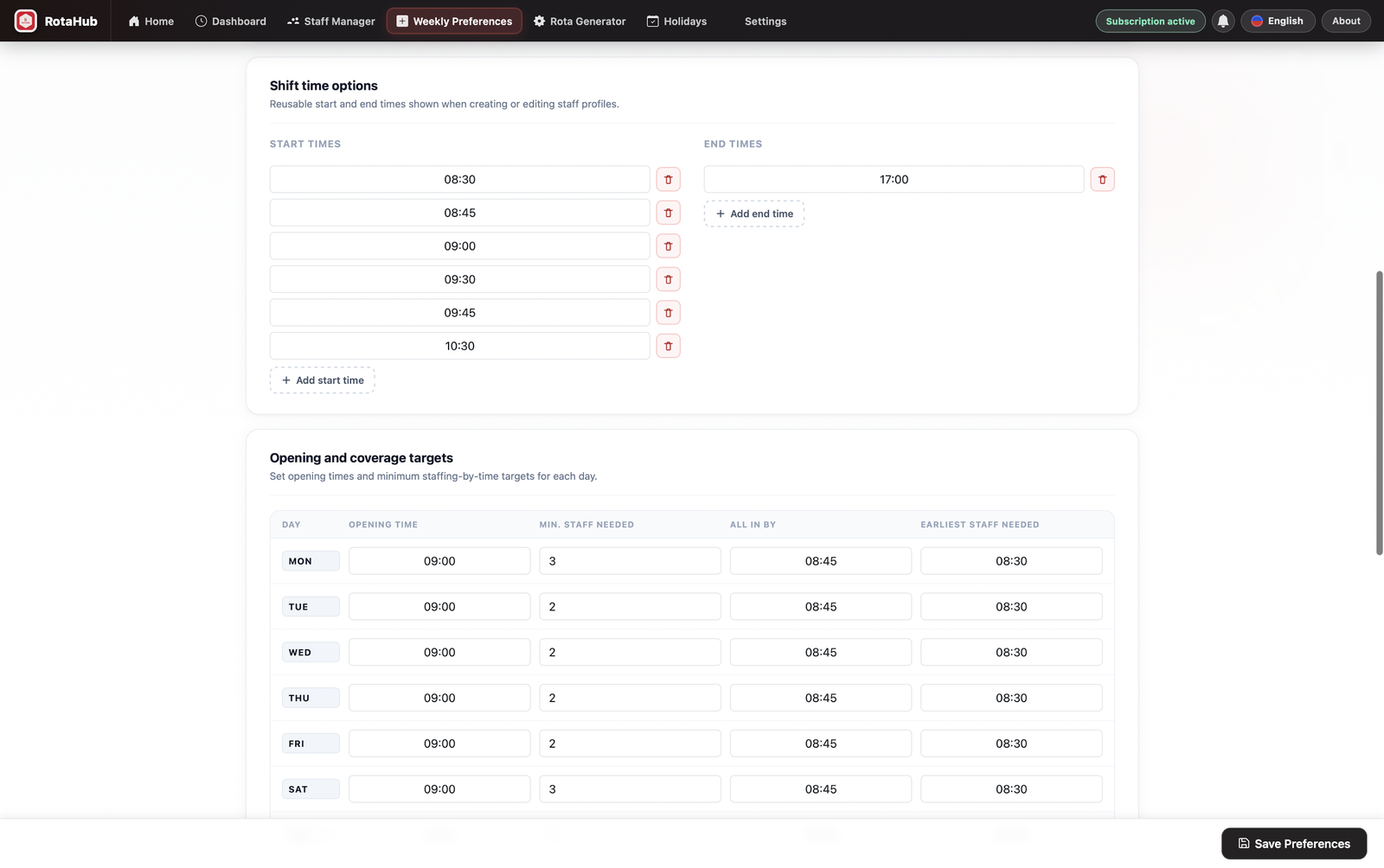
Build a full week's schedule in minutes, not hours — set your staffing needs once and let RotaHub handle the rest.
Shift bands & coverage rules
Model Early/Late/Night bands, minimum headcount per role, and “all staff in by” deadlines, with warnings when a day is understaffed.
Time-off, handled
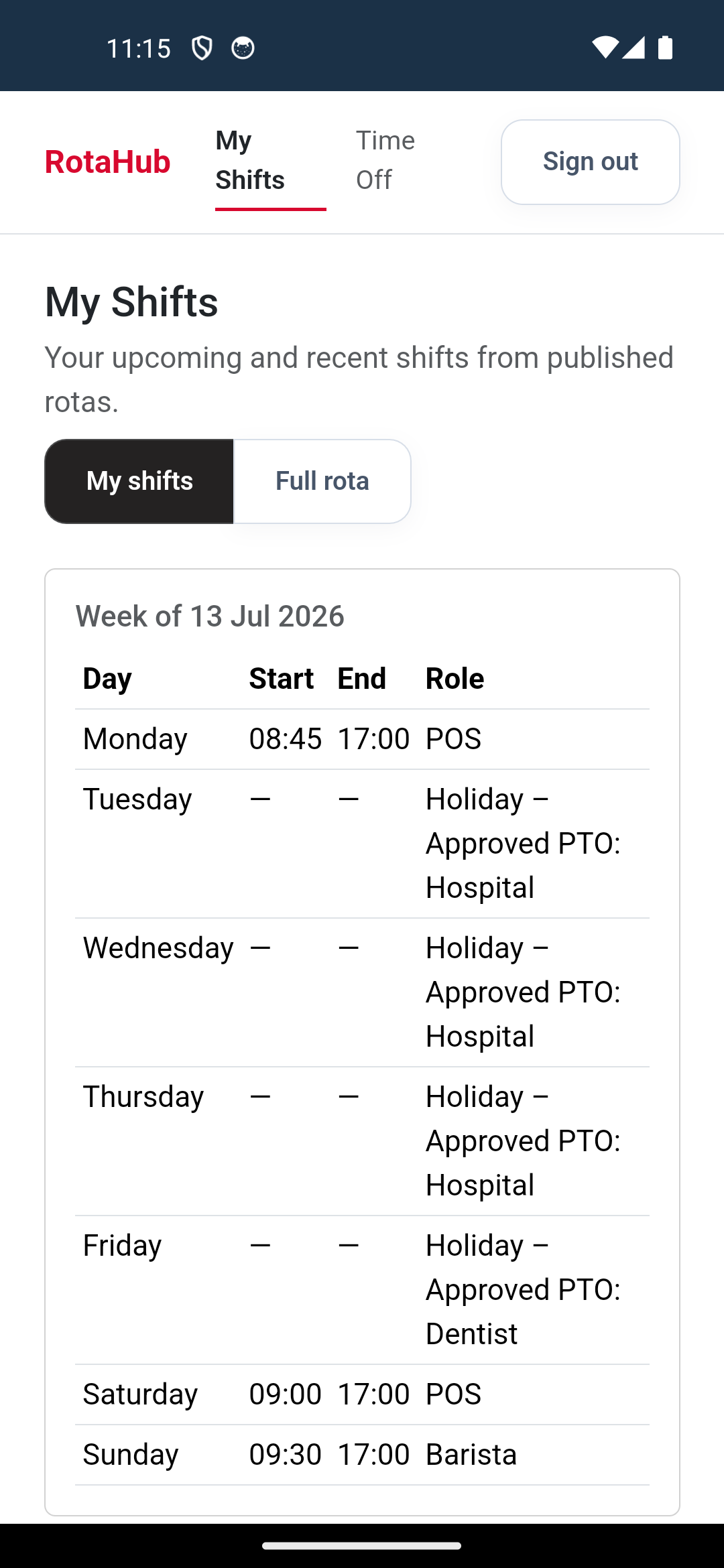
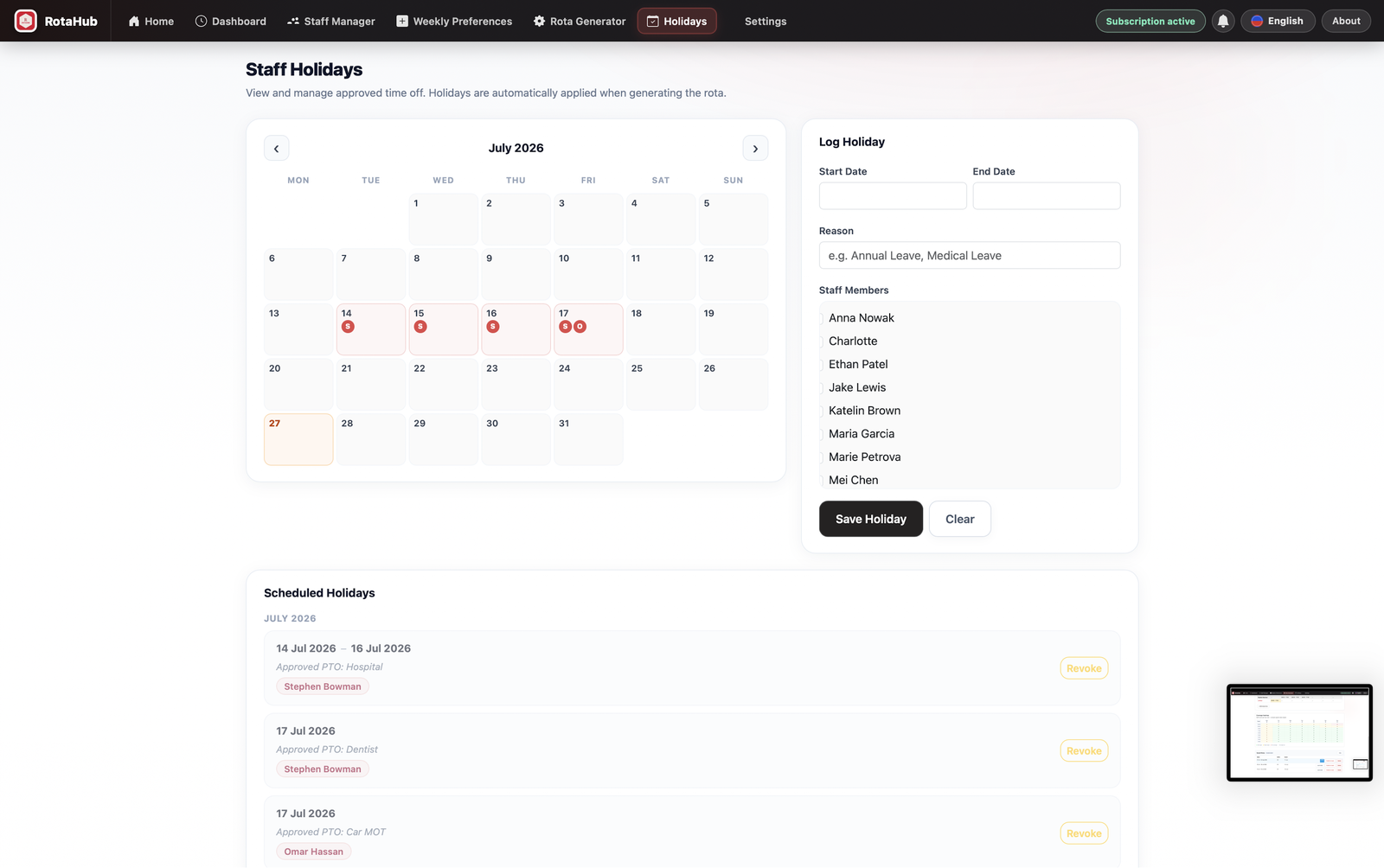
Employees submit holiday requests from the mobile app; managers approve or decline in seconds and the schedule stays in sync automatically.
Free employee app
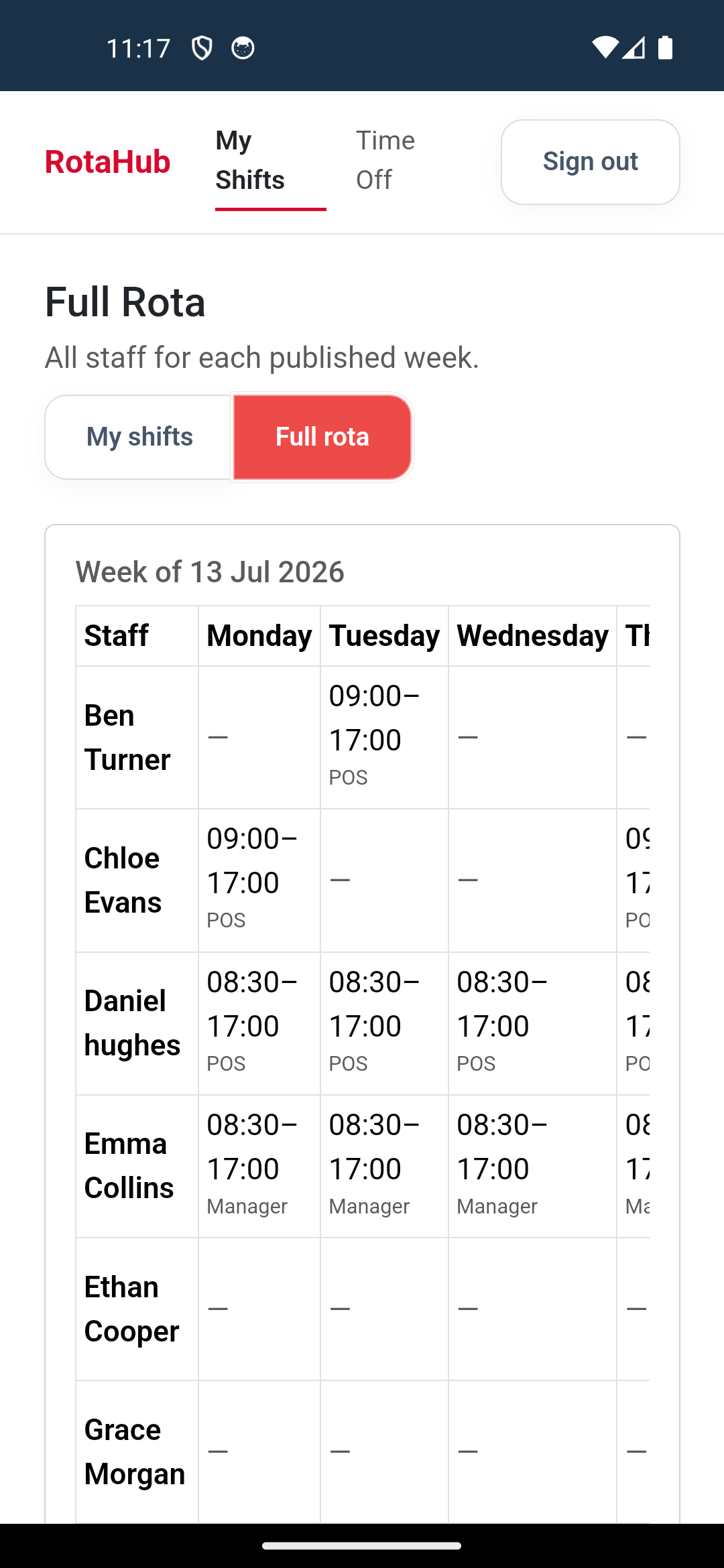
Staff view their shifts and the full team schedule from a free iOS/Android companion app — no subscription prompts, ever.
Your staff data stays yours
Staff profiles, wages, and availability are stored locally on your device, not on our servers. We only sync what's needed to publish schedules.
Built for small teams
No bloated enterprise setup. RotaHub is priced and designed for small and medium businesses that just need scheduling to stop being a headache.
One schedule. Every device.
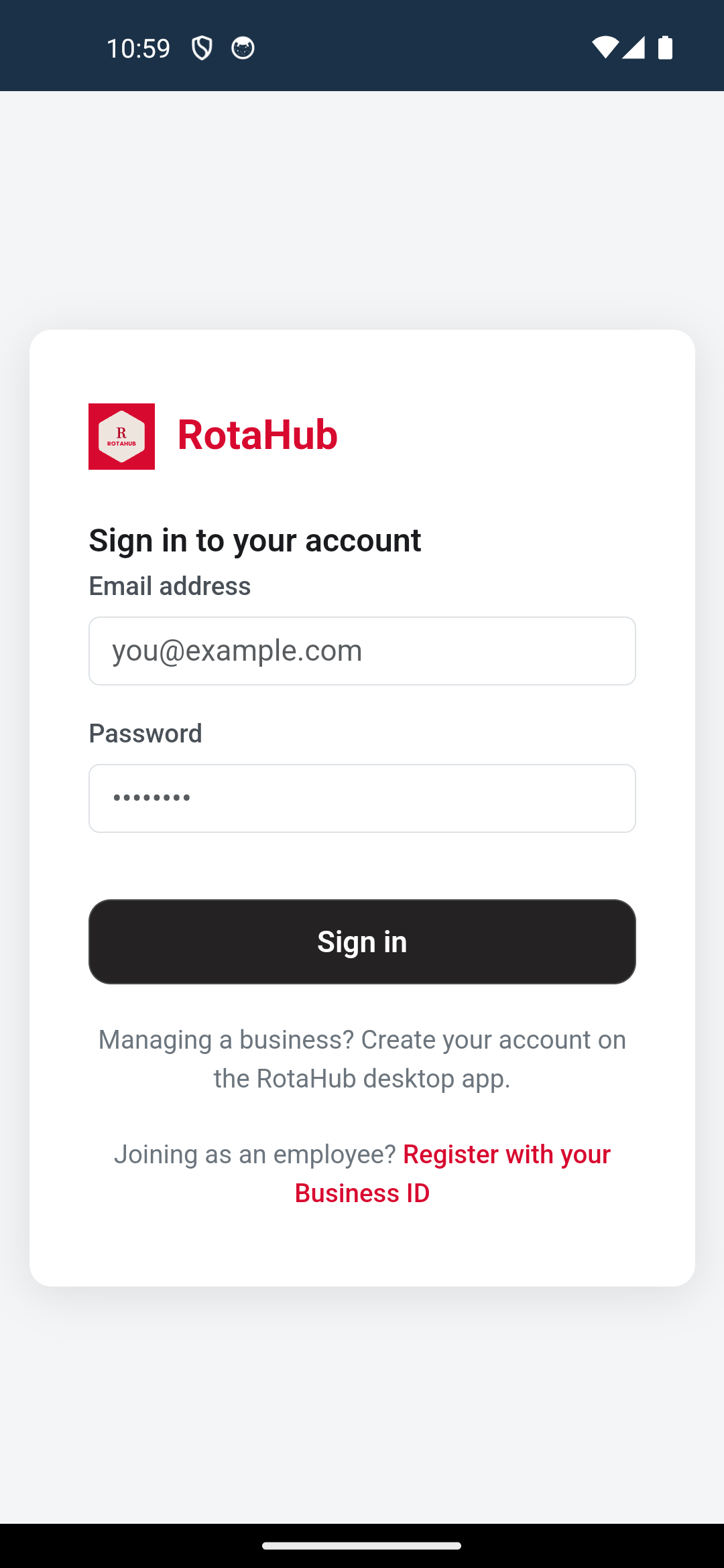
Build and manage schedules on the desktop app, then publish — your team sees their shifts instantly on the free mobile app.
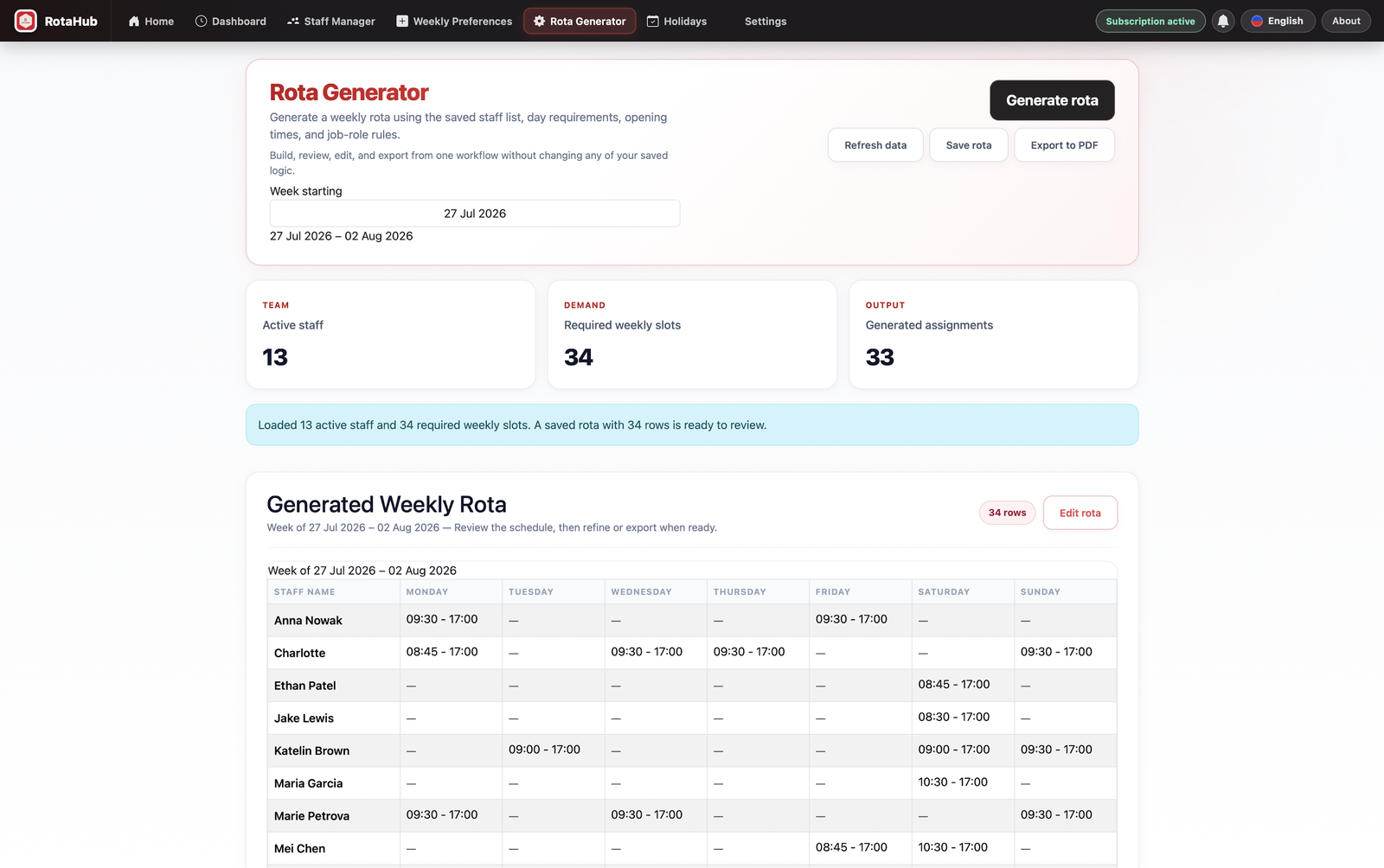
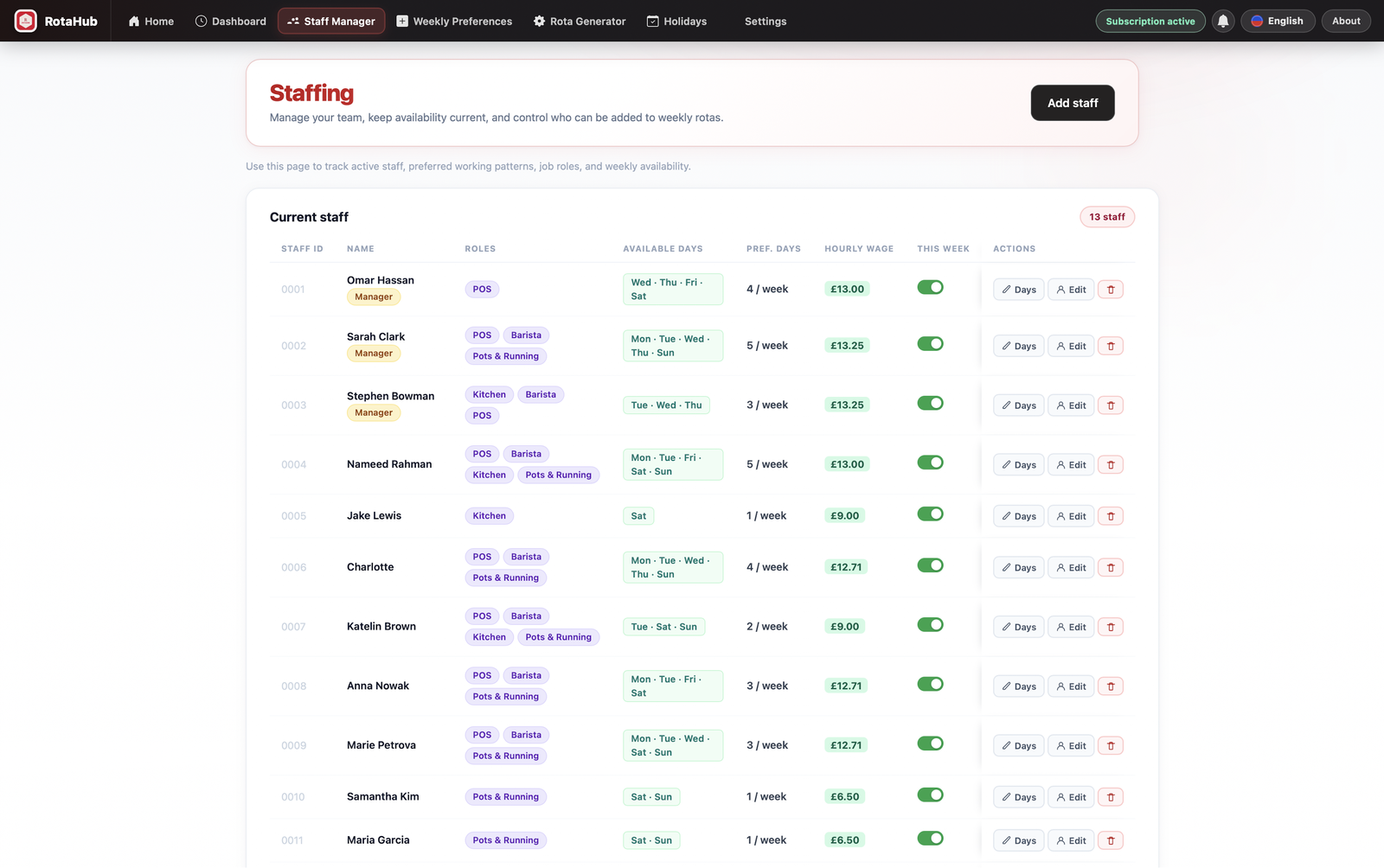
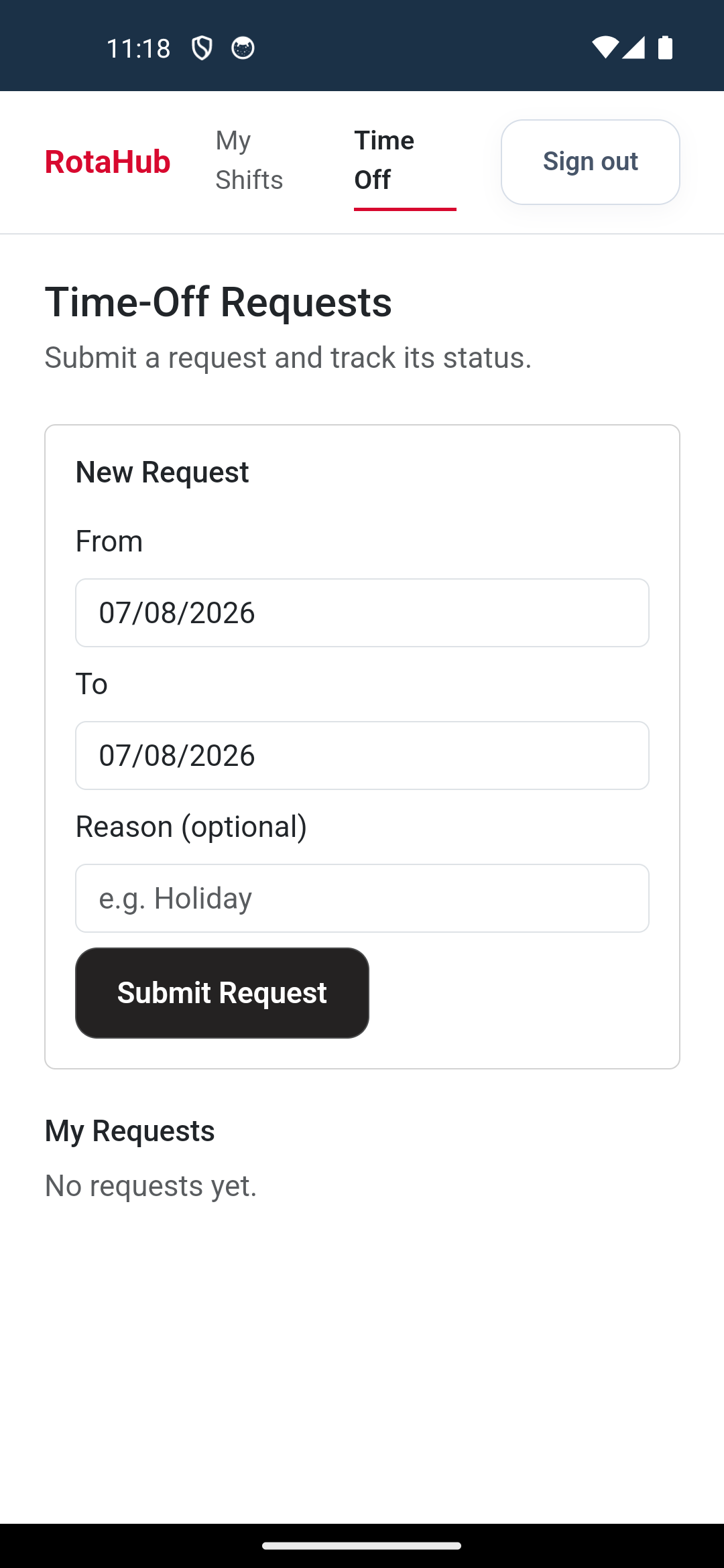
Available on Mac, Windows, Android & iOS
Stop building schedules by hand.
Start your free 7-day trial today — no credit card required, and your employees' app is free forever.